


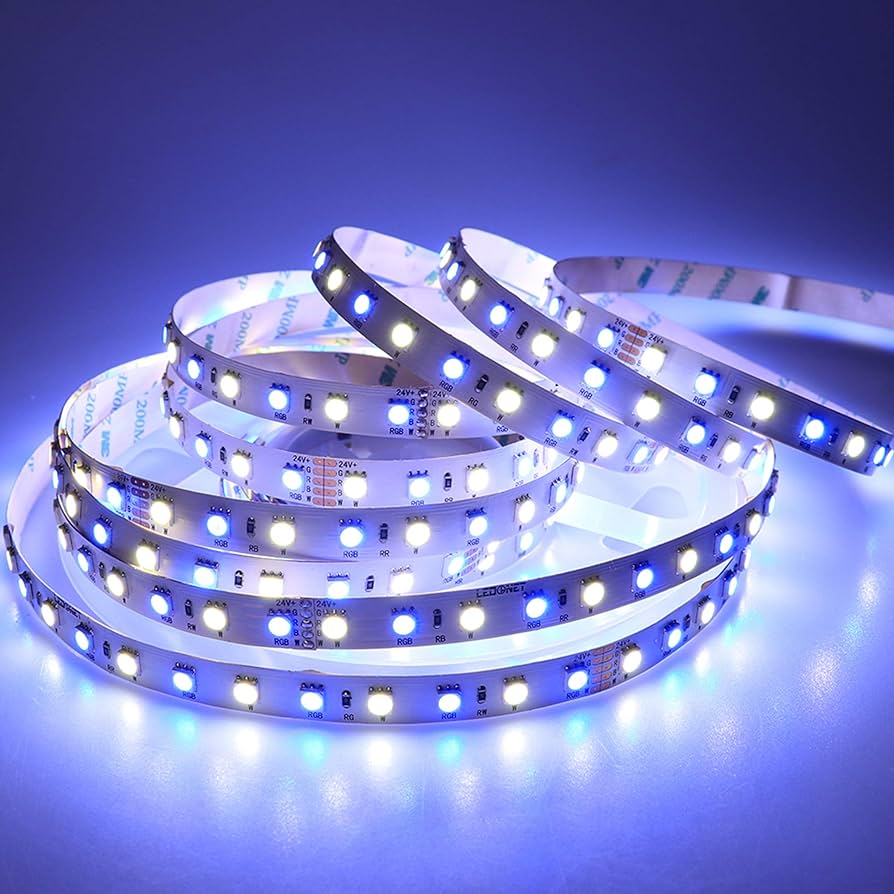
LED lights are popular for their energy efficiency, long lifespan, and flexible lighting options. Many LED strips and smart LED bulbs come with remotes that allow you to change colors, brightness, and lighting modes. But what happens if the remote stops working or gets lost? Many people start searching for how to reset LED lights when their lights begin flickering, stop responding, or stay stuck on one color. The good news is that in most cases, you can reset LED lights even without a remote. It just takes a few simple steps and a bit of patience.
This guide explains the different ways you can reset LED lights without using a remote and what to do if the standard reset methods don’t work.
Why You Might Need to Reset LED Lights
LED lights sometimes need to be reset to restore normal function. This is especially common with LED strip lights and smart LED bulbs. A reset can fix common problems like lights not turning on, colors not changing correctly, or lights not connecting to an app.
Power interruptions, incorrect settings, or connection errors often cause these issues. In some cases, LED controllers can also freeze, which prevents the lights from responding properly. Resetting clears these problems and restores the lights to their default settings.
If your LED lights are flickering, stuck on one color, or not responding to commands, a reset is often the quickest solution.
Can You Reset LED Lights Without a Remote?
Yes, most LED lights can be reset without a remote. While remotes make resetting easier, they are not always necessary. Many LED systems allow resets through the power supply, control box, or mobile app.
The exact method depends on the type of LED lights you have. LED strip lights, smart bulbs, and plug-in LED fixtures may each have slightly different reset procedures. However, the basic idea is usually the same: turning the power on and off in a specific pattern or using a reset button on the controller.
Resetting LED Lights Using the Power Supply
One of the simplest ways to reset LED lights without a remote is by using the power supply. This method works for many LED strip lights and plug-in LED fixtures.
Start by turning off the LED lights and unplugging them from the power outlet. Wait about 10 to 15 seconds to allow any remaining power to drain. Plug the lights back in and turn them on again.
If the lights don’t reset right away, try repeating the process a few times. Some LED systems require multiple power cycles before they reset completely.
This method works because cycling the power forces the controller to restart, which can clear minor glitches and restore normal operation.
Using the Controller Box to Reset
Many LED strip lights come with a small controller box located between the power supply and the lights. This box often includes buttons that allow you to control the lights without a remote.
Look for a small button labeled reset, mode, or power. Press and hold this button for about 5 to 10 seconds. In many cases, the lights will flash or change color to indicate that the reset was successful.
If there is no labeled reset button, try holding down the only button on the controller for several seconds. This often triggers a factory reset.
After the reset, the lights should return to their default settings.
Resetting Smart LED Lights Without a Remote
Smart LED lights can usually be reset without a remote by using either the power switch or a mobile app.
For many smart LED bulbs, turning the light switch on and off several times in a row will trigger a reset. A common method is turning the light on and off five times in quick succession. If the reset works, the bulb may blink or change color.
If your LED lights are connected to a mobile app, you may also be able to reset them through the app settings. Look for options like “remove device” or “factory reset.” Once reset, the lights can be reconnected as if they were new.
Resetting LED Strip Lights Manually
LED strip lights often have a manual reset option even without a remote. This usually involves a sequence of unplugging and reconnecting the power.
Unplug the LED strip from the power source and wait about 10 seconds. Plug it back in and turn it on for a few seconds. Then unplug it again. Repeat this process three to five times.
After the final reconnection, leave the lights on. If the reset is successful, the lights may flash or switch colors.
This method works for many LED strip brands and is often recommended when the remote is unavailable.
Signs That the Reset Worked
After resetting your LED lights, there are a few signs that indicate success. The lights may blink several times or cycle through different colors. Some lights return to a default white color, while others switch to a preset mode.
You may also notice that the lights respond normally again to buttons, apps, or switches. If the original problem is gone, the reset likely worked.
If nothing changes after resetting, you may need to try a different reset method or check for hardware issues.
What to Do If Resetting Doesn’t Work
If your LED lights don’t reset after several attempts, the issue might not be related to the settings. The problem could be caused by a faulty power supply, damaged wires, or a malfunctioning controller.
Check all connections to make sure everything is plugged in securely. Loose connections can prevent LED lights from working properly.
If possible, try using a different power adapter to see if the lights turn on normally. A failing power supply is a common cause of LED problems.
If the controller box is damaged, replacing it may solve the issue. Controllers are usually inexpensive and easy to install.
Preventing Future LED Light Issues
Once your LED lights are working again, a few simple habits can help prevent future problems. Avoid unplugging the lights frequently, as repeated power interruptions can confuse the controller.
Using a surge protector can help protect LED lights from sudden voltage spikes. Keeping remotes in a safe place can also save you from needing to reset the lights again.
If your lights use an app, keeping the app updated can help maintain a stable connection.
Conclusion
Resetting LED lights without a remote is usually simple and only takes a few minutes. Whether you use the power supply, controller box, or manual reset method, most LED lights can be restored to normal operation without special tools.
If you’ve been wondering how to fix unresponsive or stuck LED lights, learning how to reset LED lights without a remote is an essential skill. With the right method, you can quickly get your lights working again and enjoy consistent, reliable lighting in your space.
